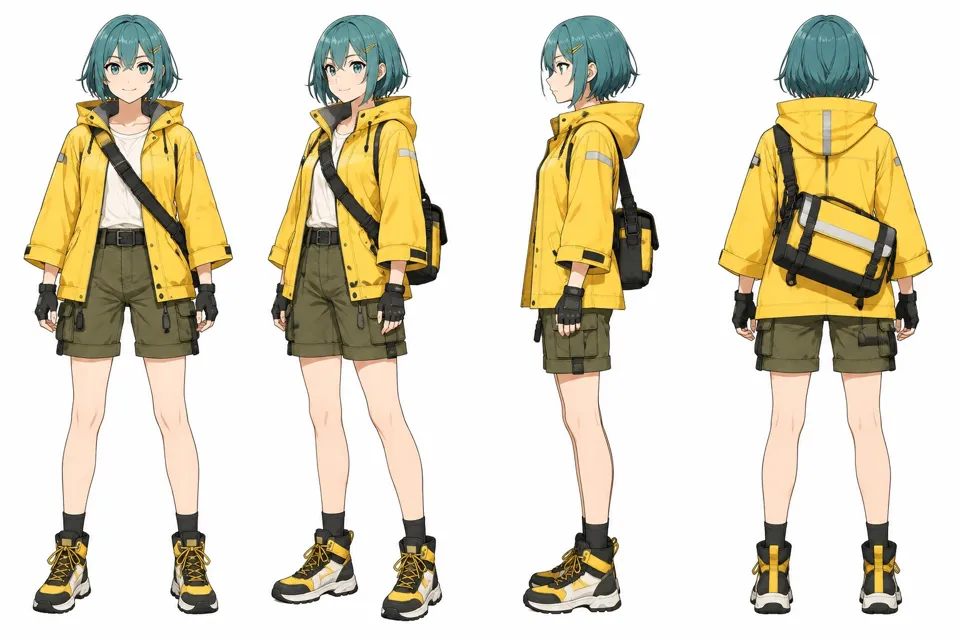
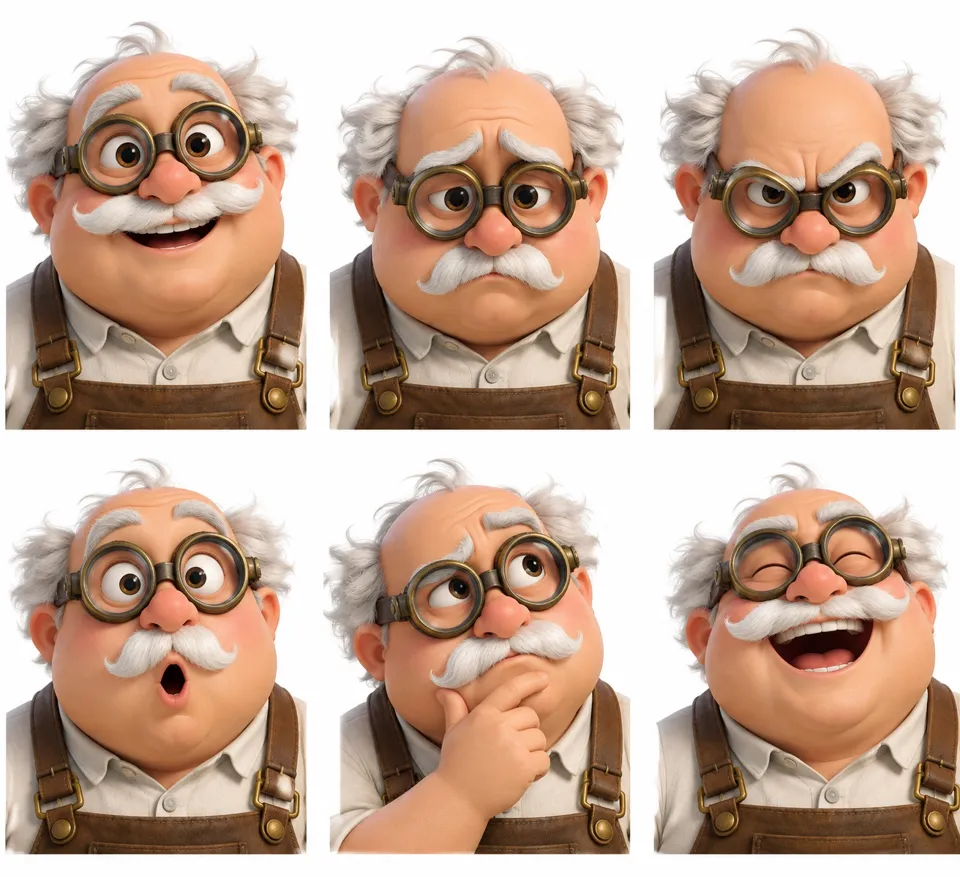
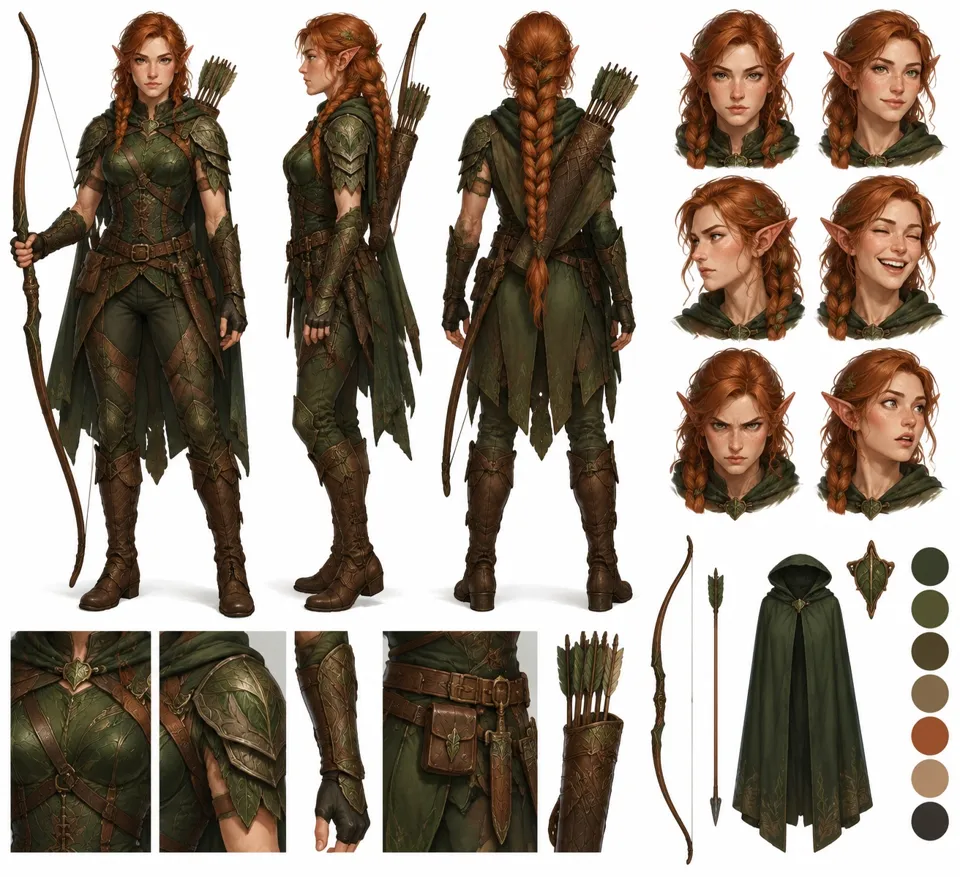
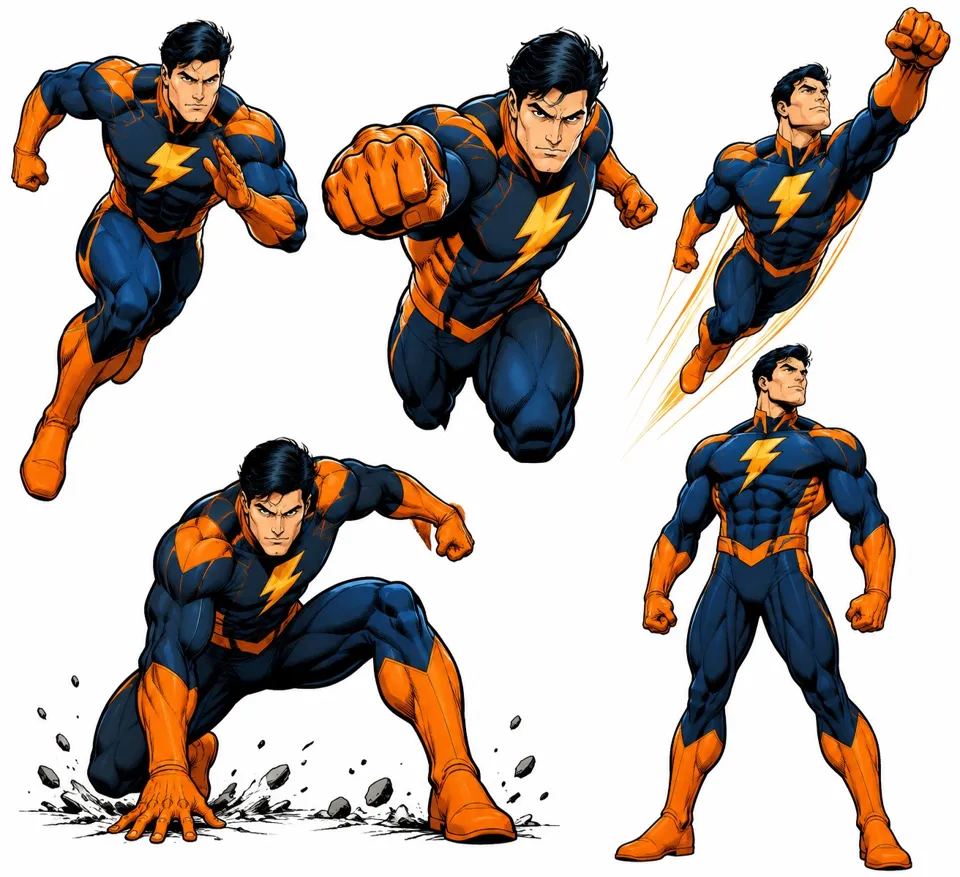
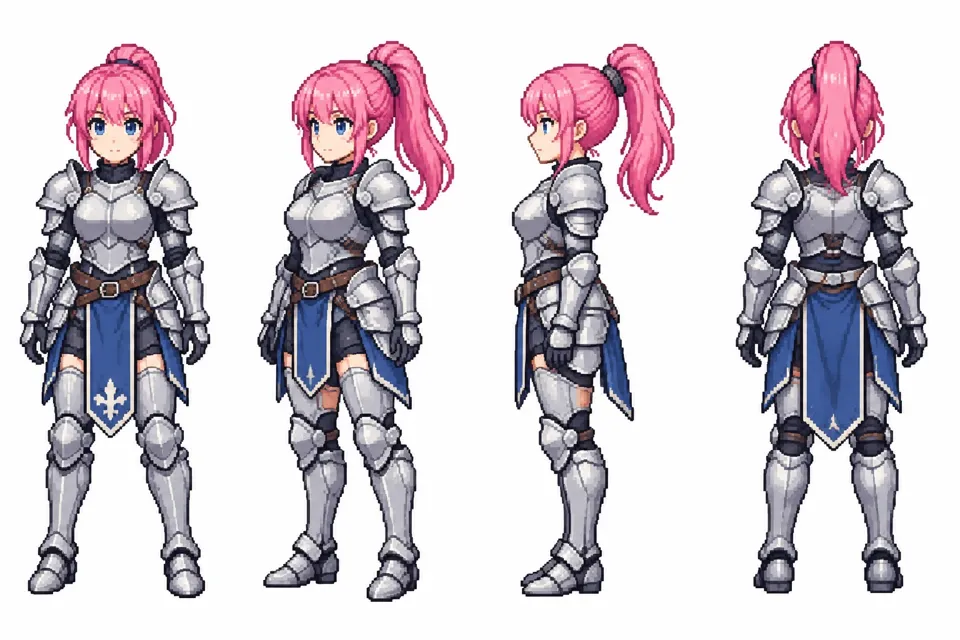
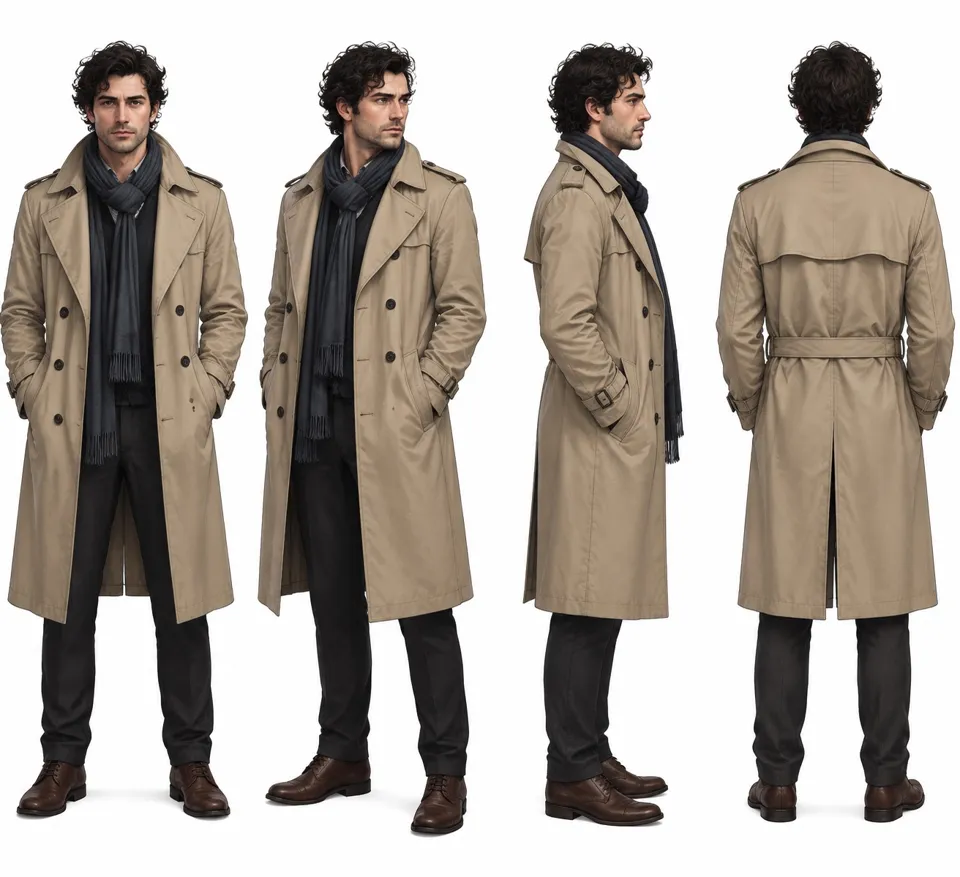
- A character sheet shows one character from several angles, expressions or poses so it looks the same every time.
- Upload a reference image or describe your character, pick a style and a layout, then generate.
- You get a high resolution PNG and a character bible with traits, hex colors and a copyable consistency prompt.
- Use the sheet as an image reference and the prompt as text in Midjourney, Kling, Runway or Sora.
- Free: 3 sheets a day without an account, 5 more with a free account.
What is a character sheet?
A character sheet (also called a model sheet or character reference sheet) is a single image that shows one character from several angles, with several expressions or in several poses. Animation studios use them so every artist draws the same face, proportions and costume. In AI work it solves the biggest problem creators hit: the character changes in every new image or clip.
AI image and video models do not remember your character between prompts. A sheet gives them a visual anchor. When you attach it as an image reference and pair it with a precise text description, the model has far less room to invent a new hairstyle, eye color or outfit.
How to make an AI character sheet in 3 steps
- Start with your character. Upload a photo, drawing or AI image, or write a short description with age range, hair, eyes, outfit and one distinctive detail.
- Pick a style and layout. Choose from 8 art styles and 4 layouts: turnaround, expression, full reference or pose sheet.
- Generate, download and reuse. Save the PNG, copy the consistency prompt and click "Make another sheet with same character" to build a full set.
Types of character sheets
| Type | What it shows | Best for |
|---|---|---|
| Turnaround sheet | Front, 3/4, side and back view on white | 3D modeling, AI video references, animation |
| Expression sheet | 6 faces: happy, sad, angry, surprised, thinking, laughing | Comics, webtoons, VTubers, dialogue scenes |
| Full reference sheet | Turnaround, expressions, outfit details, color palette | Style guides, team handoff, story bibles |
| Pose sheet | 4 to 6 action poses | Game sprites, storyboards, action scenes |
Not sure where to start? Make a turnaround first, then an expression sheet of the same character.
How to use your sheet for consistent characters in AI video and image tools
- Midjourney: add the sheet as a character or image reference and paste the consistency prompt, then describe only the new scene.
- Kling, Runway and Sora: use a single crop from the turnaround (usually the front or 3/4 view) as the start frame or reference, and keep the same prompt text in every shot.
- Flux, SDXL and LoRA training: crop each view into its own image to build a small, clean training set.
- Comics and webtoons: keep the expression sheet open while you prompt panels so emotions stay on model.
- Hex codes matter: include the palette from the character bible. Exact colors reduce drift more than words like "blue jacket".
For a deeper guide, read how to keep a consistent character in AI.
Character sheet prompt templates
Copy a template, replace the brackets and use it here or in any other tool.
| Use case | Prompt template | Copy |
|---|---|---|
| Turnaround | Character turnaround sheet of [character], front view, 3/4 view, side view and back view, full body, neutral pose, same outfit in every view, clean white background, [style] | |
| Expressions | Expression sheet of [character], 3x2 grid of head shots: happy, sad, angry, surprised, thinking, laughing, consistent face and hair, white background, [style] | |
| Full reference | Character reference sheet of [character], turnaround, expression heads, outfit detail callouts, color palette swatches [hex codes], white background, [style] | |
| Poses | Pose sheet of [character], five dynamic full body action poses, consistent costume and proportions, white background, [style] | |
| Scene reuse | [consistency prompt], [new action] in [new location], cinematic lighting, same character as reference |